Checklist: Simple Smart
Checklists with do-by dates.
Type what you are preparing for and when. Get a checklist with do-by dates.
 App Store — in review
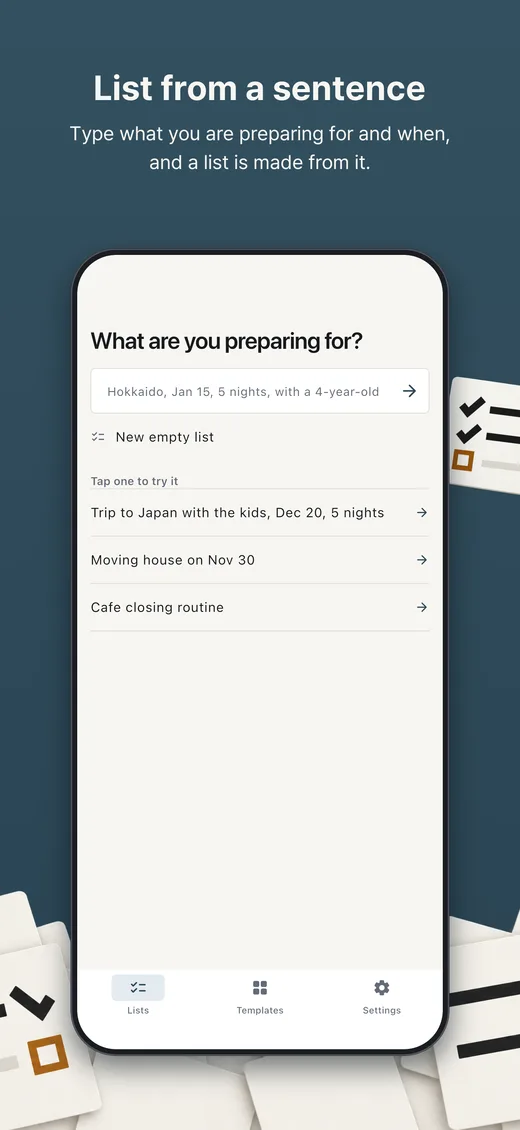
Checklists from one sentence
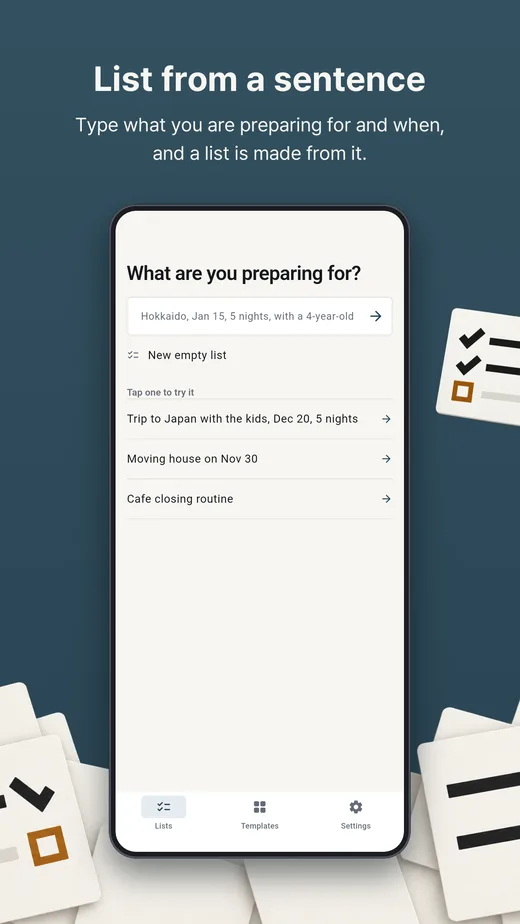
Type what you are preparing for, such as "Hokkaido, Jan 15, 5 nights, with a 4-year-old". The kind of event, the date, the number of nights and details such as children, winter or a car decide which template sections are included. English and Korean both work.
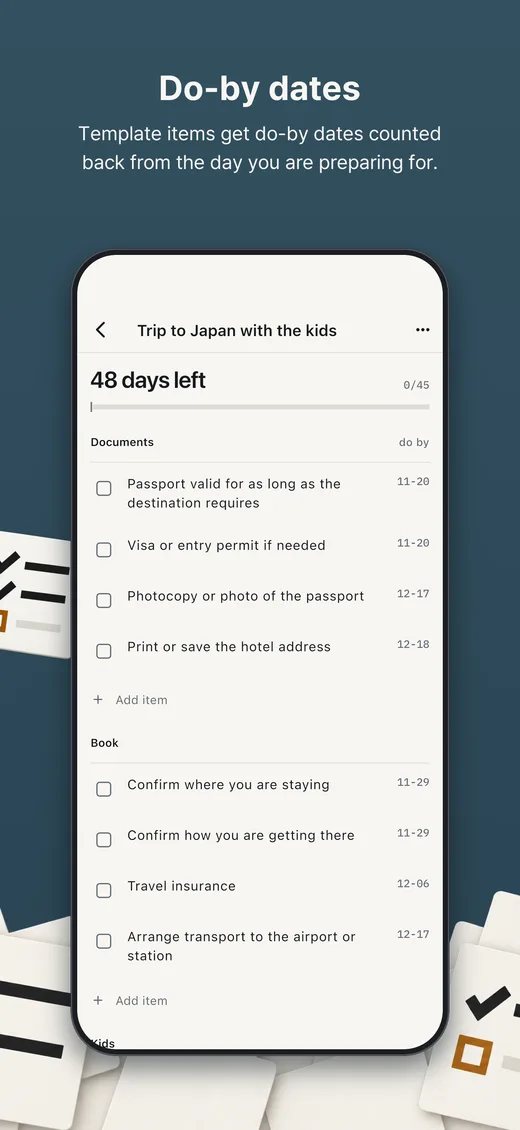
Do-by dates
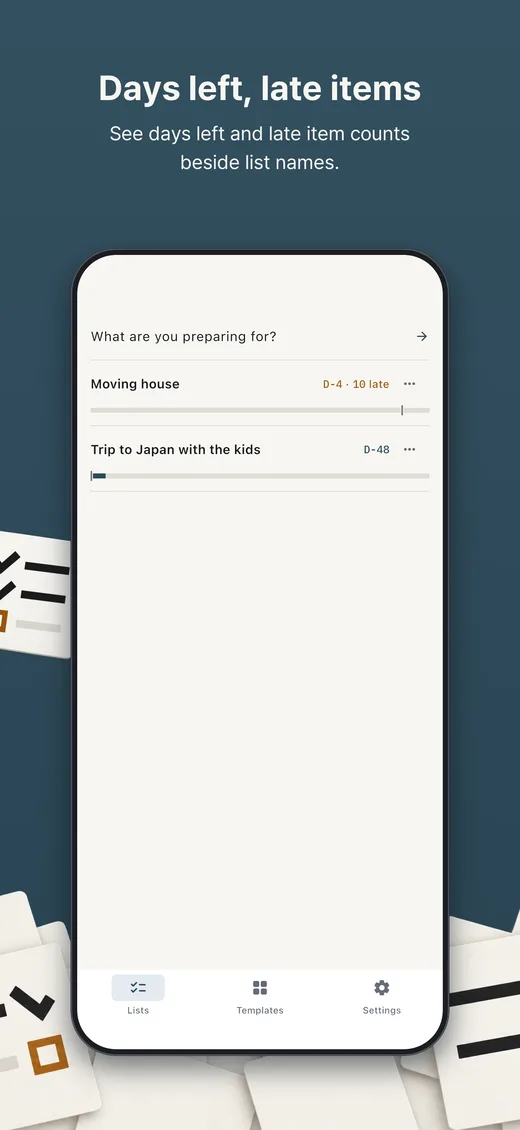
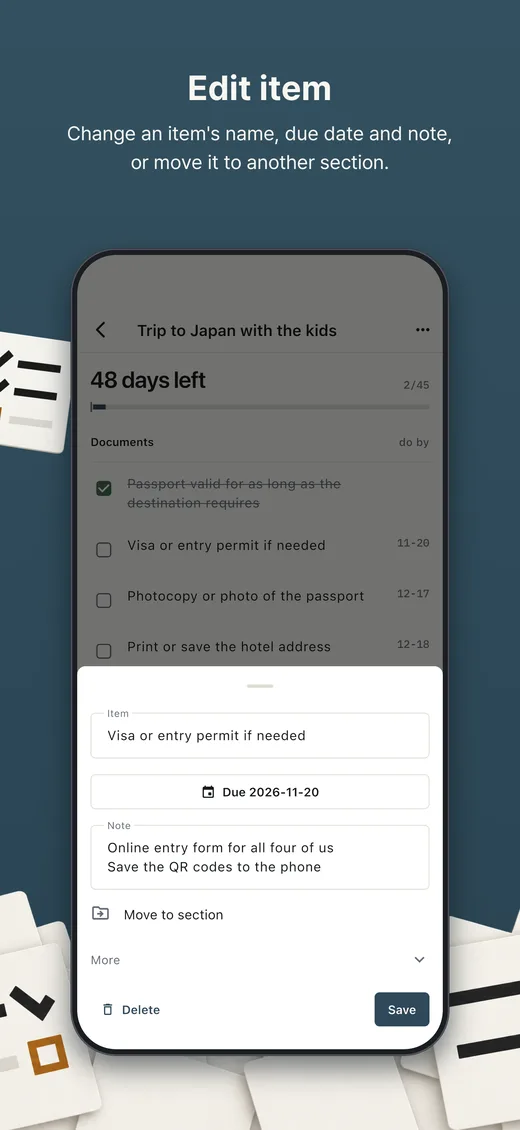
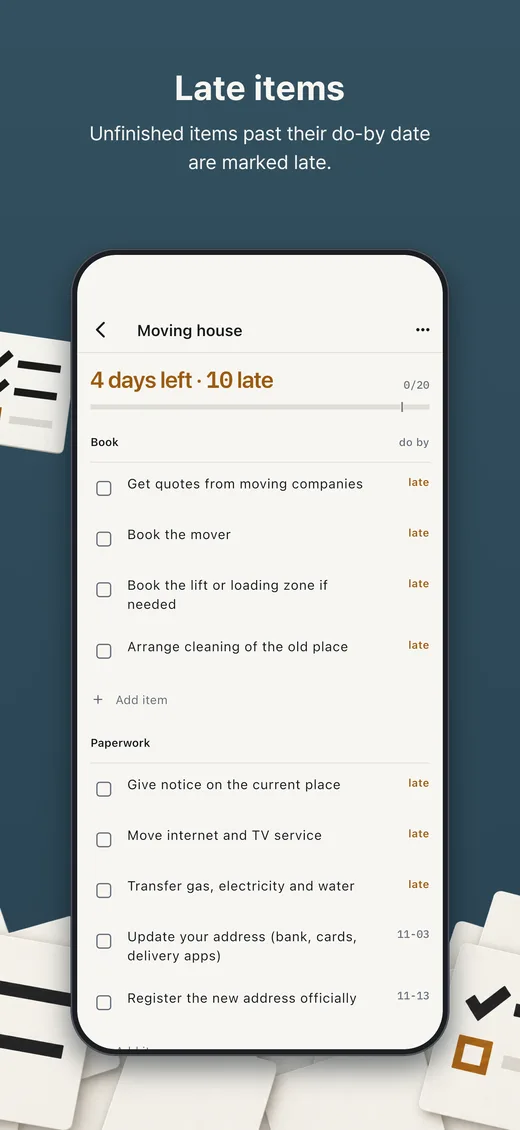
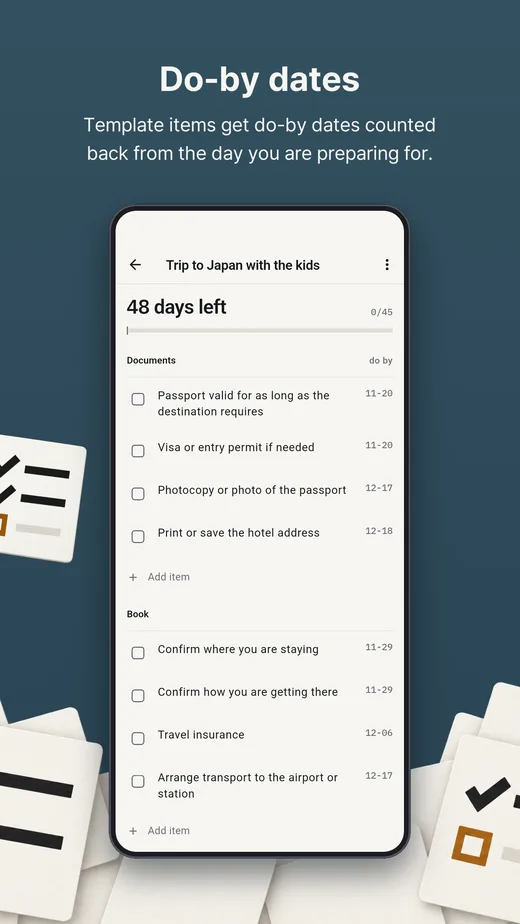
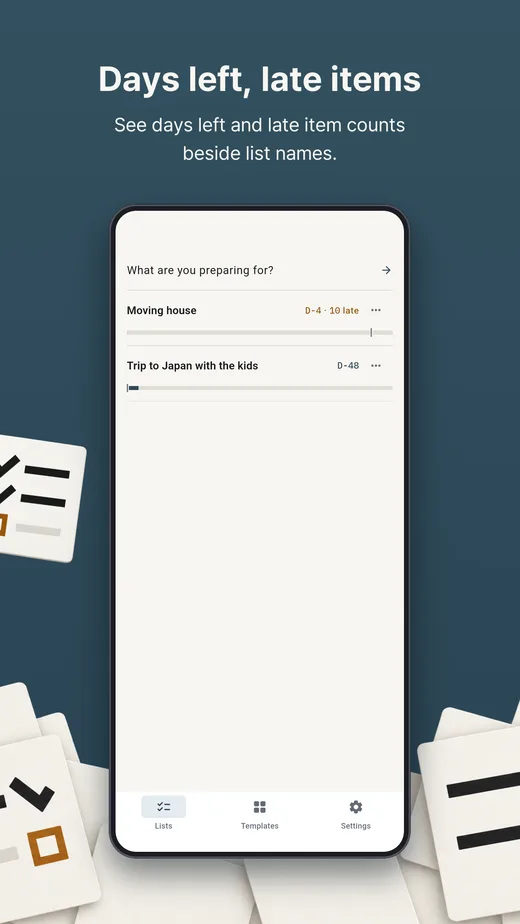
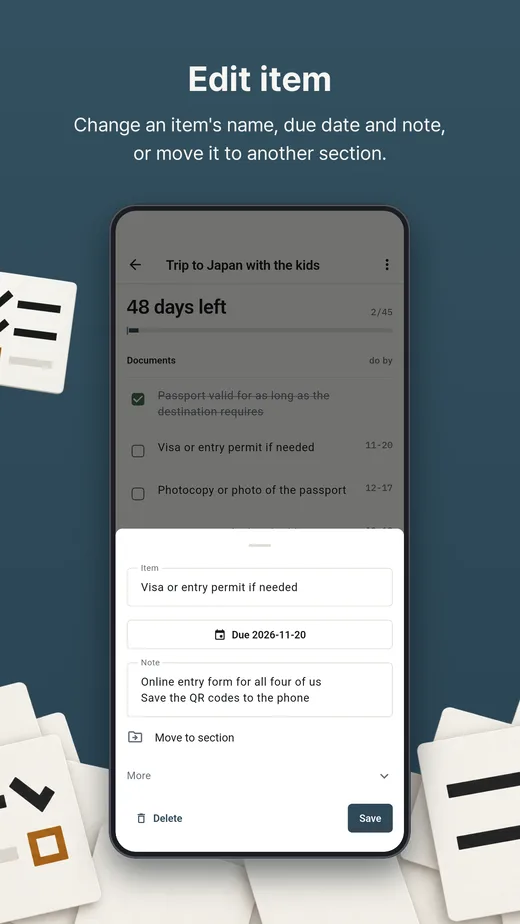
With an event date set, most template items get a do-by date counted back from it. A dated list in progress shows the days left. Open items past their date are marked late.
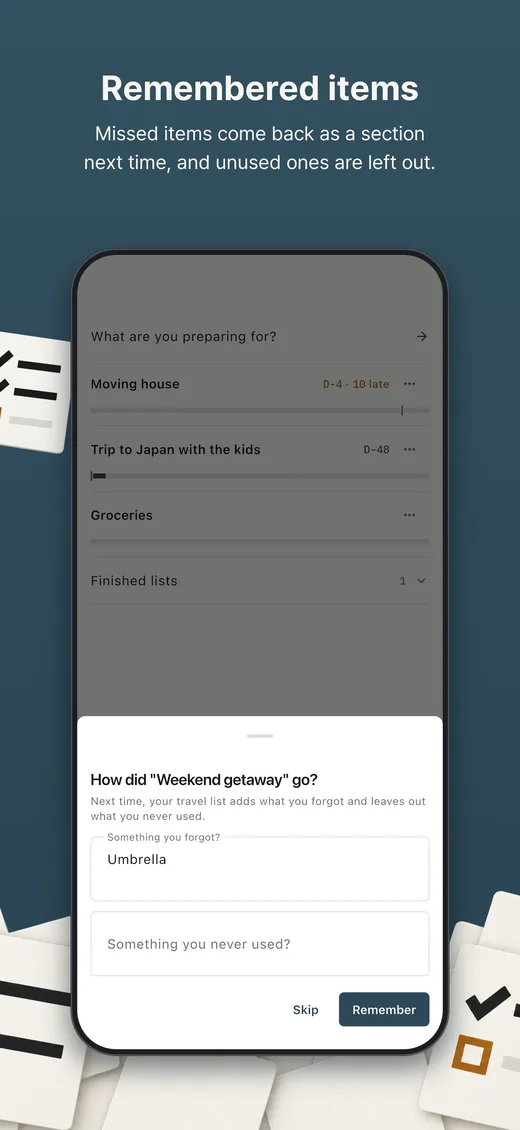
What you missed last time
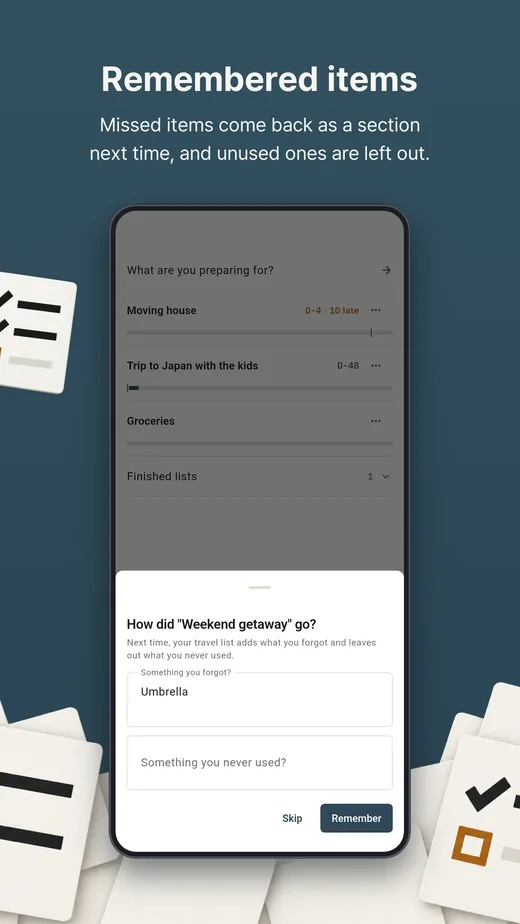
After a list is marked complete, write down what you forgot and what you never used. The next checklist in the same category adds the forgotten items and leaves out the unused ones.
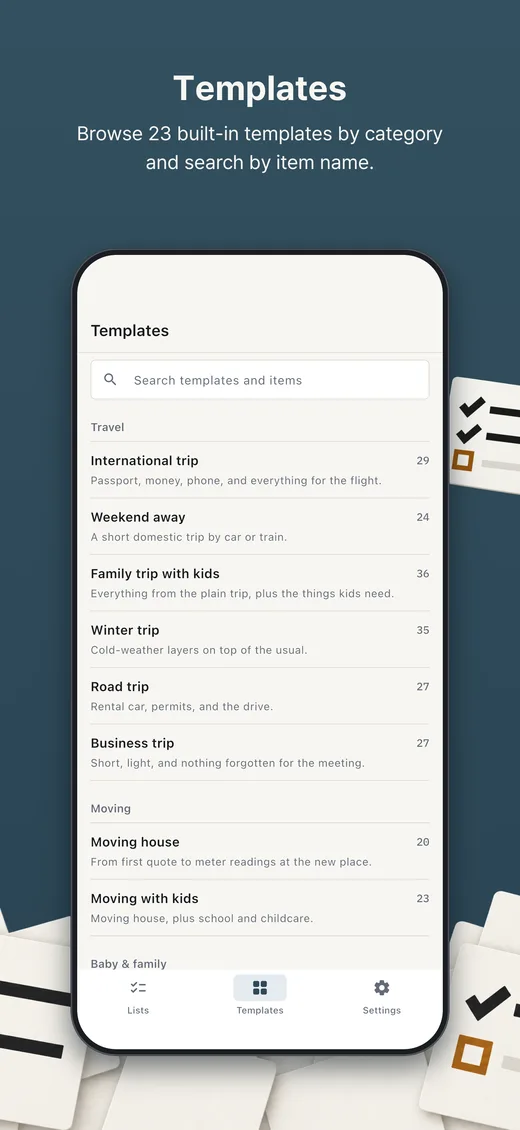
23 templates
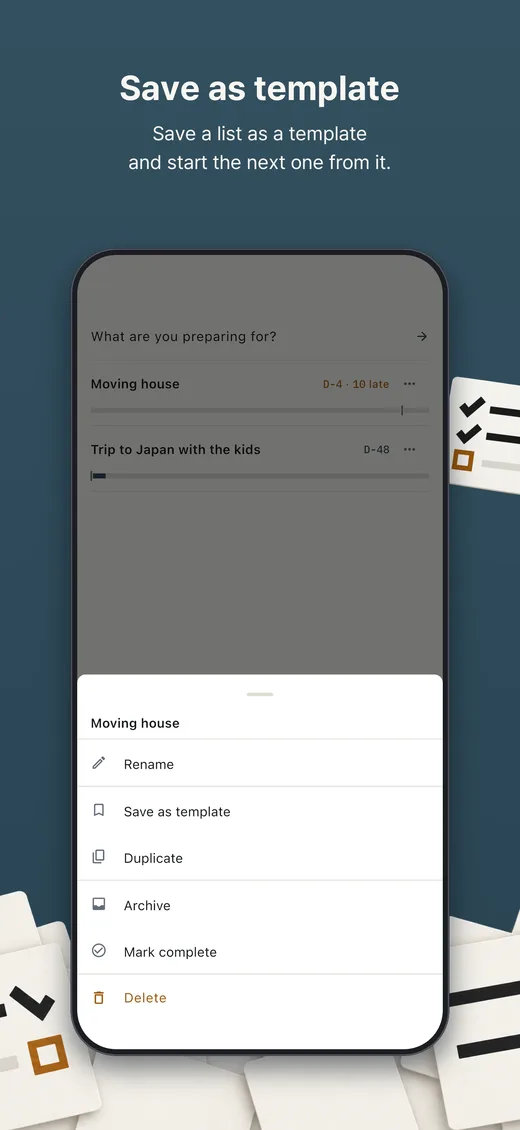
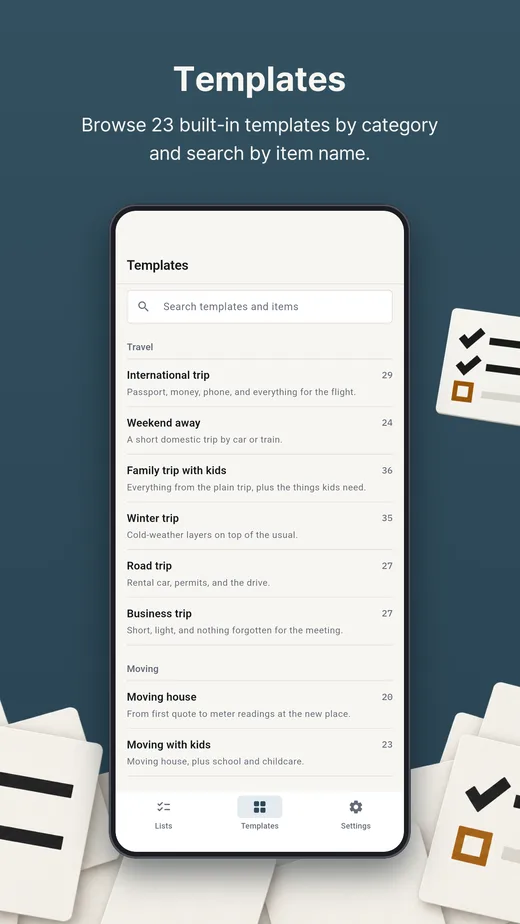
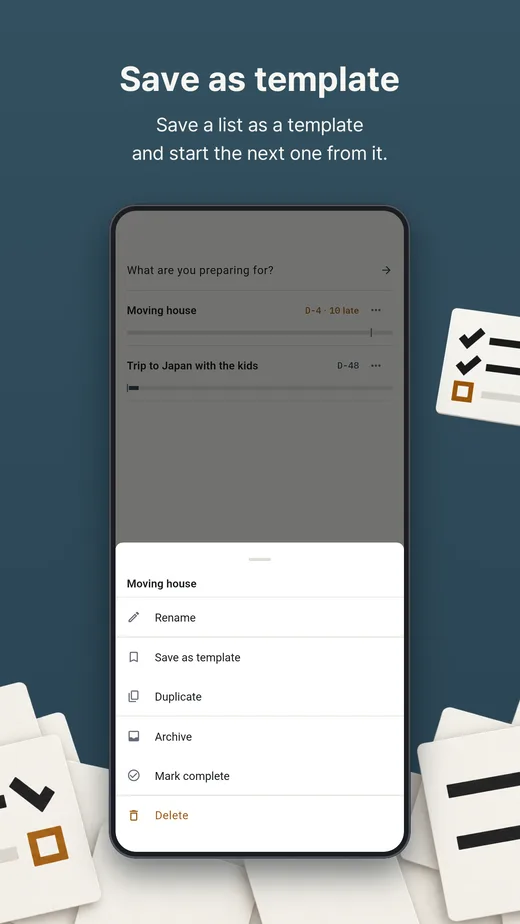
Travel, business trips, moving, a new baby, camping, car camping, home maintenance, car service, a new pet, cafe opening and closing, new hire onboarding, weddings, parties, race day and exams. Any list can be saved as your own template.
Your own lists
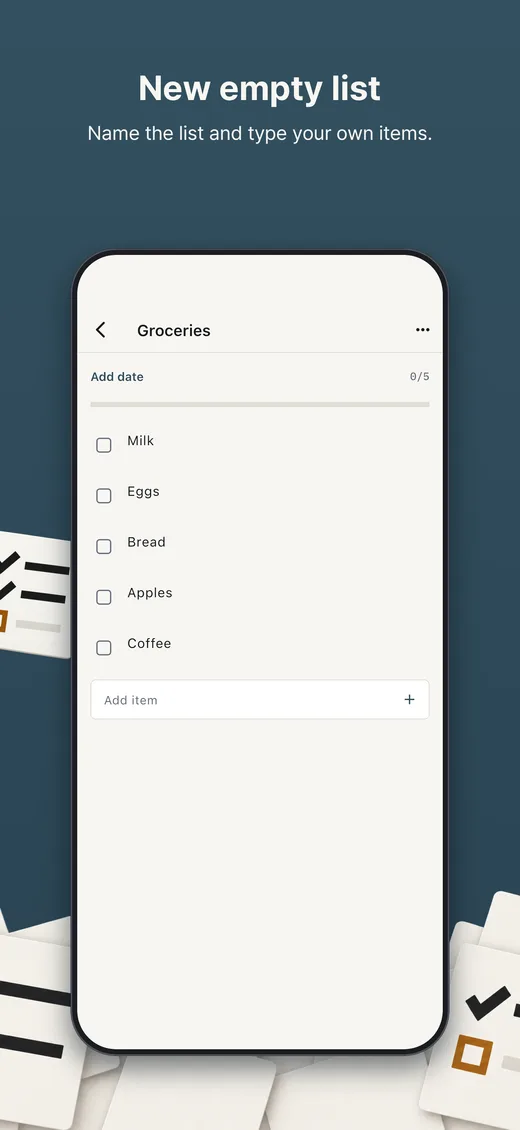
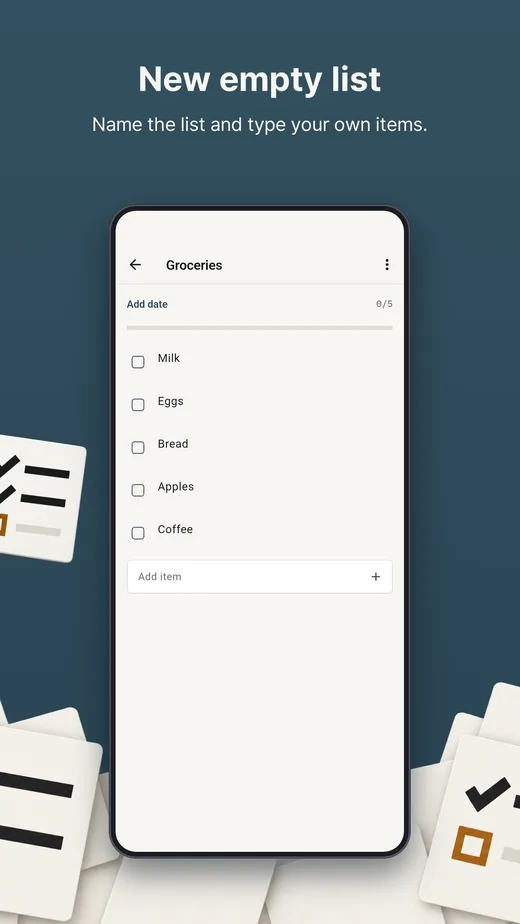
Start a blank list, or paste several lines and each line becomes an item. Swipe right to rename an item and left to delete it, with Undo.
Widgets
A widget shows the first active list on the Lists tab: items done and the next items. If the list has a date, it also shows the days left. iPhone has Lock Screen and Home Screen widgets on iOS 17 or later. Android has a home screen widget.
Share, export and import
Share a list as plain text. Export everything as a file or copy it to the clipboard. Import adds to the lists already on the device and deletes nothing.
iPhone
Android
No account, no ads and no analytics. Lists are stored on the device and never reach us. If the device backup is on, it includes them.
 Fast QR Barcode: Scan & Create
 Fast Barcode Scan & Generator
 Fast QR Scanner & Generator
 Photo Frame Slideshow
 Fast Image Compressor
 Phone2Cam - Home Security Cam